Skip to content
This site contains affiliate links. Recommendations are based on hardware stability and firmware reliability — not commissions. Your purchases support our research. Full disclosure.
ByrdPilot
  • Home
  • Docking Station
    • Thunderbolt 5
    • Thunderbolt 4
    • USB-C / USB4
    • Troubleshooting
  • Daisy Chaining
  • NAS Storage & Servers
  • KVM Switches
  • Dock Scan
  • Compare Docks
Compare Docks
  1. Home
  2. Alex Atkinson

Author

Alex Atkinson

Docking stations are boring until yours stops working at 9am before a client call.

I’m the editor at Byrdpilot.com. We don’t review everything — we go deep on one category: Thunderbolt 4 and USB-C docks. What fails, what holds up, and what the spec sheet won’t tell you.

I’ve tested over 20 docks hands-on. Pulled thermal readings with a FLIR camera. Traced firmware failures down to the exact update that caused them.

If you’re writing about remote work, enterprise hardware, or peripherals and need someone who actually knows this stuff — reach out.

  • Docking Station

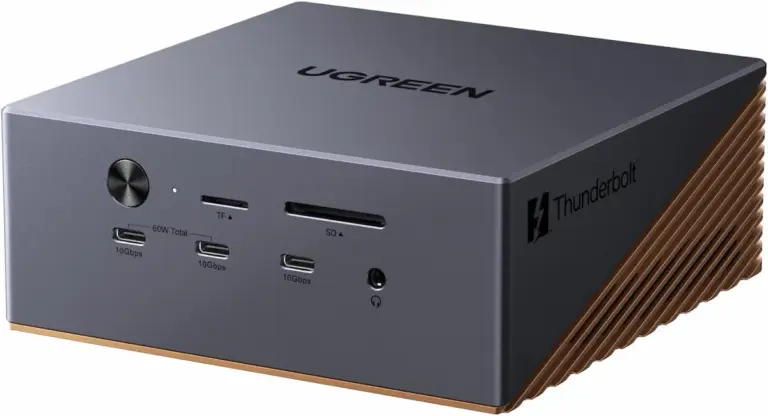
    UGREEN Maxidok Review: Thunderbolt 5 Dock with Built-In SSD Storage (2026)

    ⚡ Quick Answer The UGREEN Maxidok is a Thunderbolt 5 docking station with a built-in M.2 NVMe SSD slot, 140W laptop charging,… Alex Atkinson · August 21, 2026 Read more
  • Docking Station

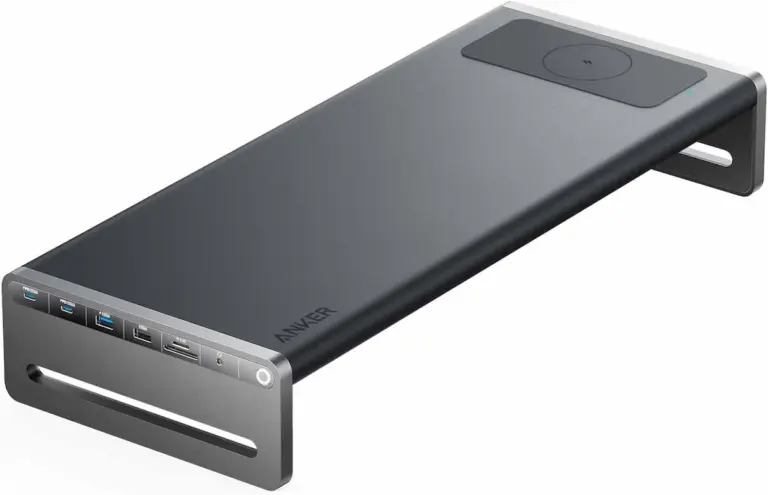
    Anker 675 USB-C Docking Station Review: Is an All-in-One Docking Stand Worth it?

    ⚡ Quick Answer Anker 675 USB-C Docking Station — Quick Verdict The Anker 675 USB-C docking station combines three desk essentials into… Alex Atkinson · August 17, 2026 Read more
  • Docking Station

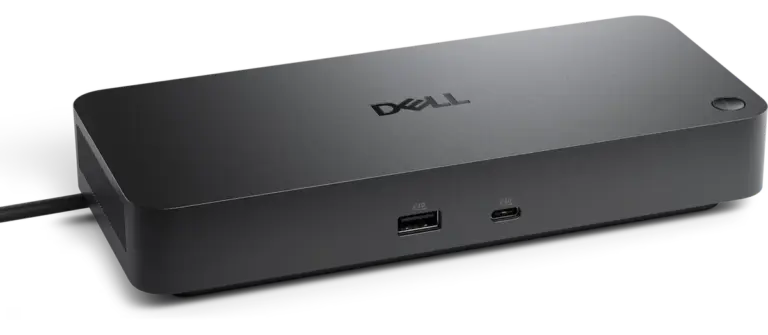
    Dell Pro Dock WD25: The WD19S Upgrade That Finally Delivers

    ⚡ Quick Answer Dell Pro Dock WD25 — Quick Verdict The Dell Pro Dock WD25 is the direct WD19S replacement — 2.5GbE,… Alex Atkinson · August 10, 2026 Read more
  • Docking Station

    Best Anker Docking Station for Mac & Windows (2026)

    Anker Docking Station Anker’s docking station lineup spans from compact travel hubs to a Thunderbolt 5 workstation. The Anker Prime TB5 is… Alex Atkinson · August 5, 2026 Read more
  • Docking Station

    Best Docking Station for Multiple Monitors in 2026

    Best Docking Station for Multiple Monitors The best docking station for multiple monitors depends on your display count, laptop platform, and budget.… Alex Atkinson · July 28, 2026 Read more
  • Docking Station

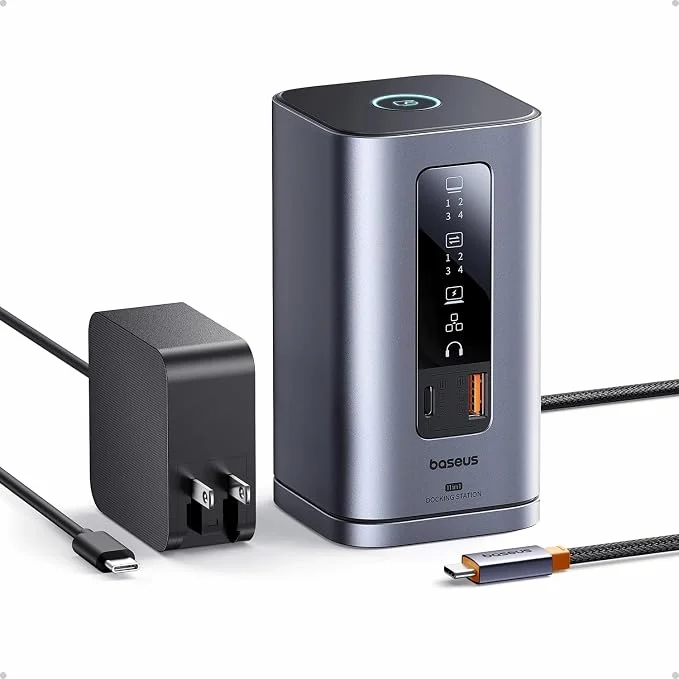
    Baseus Spacemate Review (2026): 11-in-1 USB-C Dock Tested

    ⚡ Quick Answer The Baseus Spacemate is an 11‑in‑1 USB‑C docking station built for Windows users who need triple 4K displays without… Alex Atkinson · July 21, 2026 Read more
  • Docking Station

    Best Docking Station for MacBook Air (2026): 7 Tested Picks

    Best Docking Station for MacBook Air The best docking station for MacBook Air depends on your chip and your display needs. For… Alex Atkinson · July 8, 2026 Read more
  • Docking Station

    Best Docking Station for MacBook Pro (2026): 9 Tested Picks

    Best Docking Station for MacBook Pro The best docking station for MacBook Pro is the CalDigit TS4 — a Thunderbolt 4 dock… Alex Atkinson · July 2, 2026 Read more
  • Docking Station

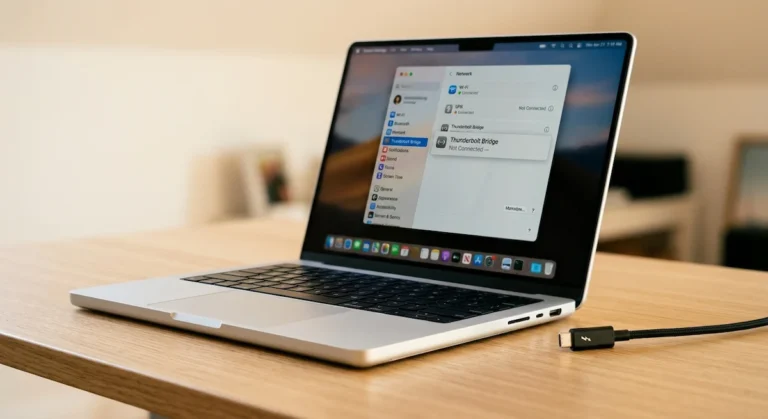
    Thunderbolt Bridge Not Connected: How to Fix It (Mac & Windows)

    Thunderbolt Bridge Not Connected Thunderbolt Bridge is a direct Mac‑to‑Mac (or Mac‑to‑Windows) network connection over a Thunderbolt cable. “Not Connected” means the… Alex Atkinson · June 11, 2026 Read more

Page navigation

Previous PagePrevious 1 2 3 4 … 6 Next PageNext
ByrdPilot

Docking Station & NAS Troubleshooting Guides

Guides

  • Docking Station
  • USB-C / USB4
  • Daisy Chaining
  • KVM Switches
  • NAS Storage & Servers

Tools

  • Dock Scan
  • Dock Finder
  • Compare Docks
  • Search

ByrdPilot

  • About Us
  • Privacy Policy
  • Cookie Policy
  • Disclosure & Affiliate Disclaimer
  • Contact Us

© 2026 ByrdPilot. All rights reserved.

As an Amazon Associate, ByrdPilot earns from qualifying purchases.

Not sure which dock to buy?

Answer 5 quick questions. Get a real recommendation.

✓
20+ docks tested & compared
✓
Mac, Dell & Windows paths
✓
No fluff — honest picks only
Find My Dock →
Takes about 60 seconds
Form C

Form B

Form A