
Your Docking Station Is Broken. Here’s Exactly Why.
Why This Works When Other Guides Fail
Most dock guides were written by people who’ve never actually had one fail on them. We started ByrdPilot because the real answers — the firmware sequencing, the driver conflicts, the thermal throttling — were buried in Reddit threads and support tickets. We dug them out, tested every fix ourselves, and put it all in one place.
We Focus on Real Problems, Not Marketing Noise
We skip the marketing specs and target the actual problem, cutting through the glossy product claims to focus on the real issues users run into when their setup fails.
Recommendations Built on Real Failure Points
Our recommendations are based on real-world failure points, not spec sheets, so every suggestion comes from actual problems we’ve seen and solved—not theoretical performance claims.
Built on Integrity, Explained with Clarity
We fund our testing through honest affiliate links. No paid reviews.
We explain the why, so you understand the fix, not just follow steps.
Not sure which dock to buy?
Answer 5 quick questions. Get a real recommendation — no spec sheet fluff, no affiliate bias.
Find My Dock →Our Definitive Docking Station Troubleshooting Guides
Best Docking Station (2026): Every Pick, Every Setup
BYRDPILOT BLUF: The 2025 Champions (and the 2026 TB5 Successors) ⚡ Quick Answer Best Docking Station in 2026 The CalDigit TS5 Plus is the best docking station for most setups — Thunderbolt 5, 180W charging, triple 4K on Mac and Windows. For budget builds, the UGREEN Revodok Max 213 delivers Thunderbolt 4 at under $200….
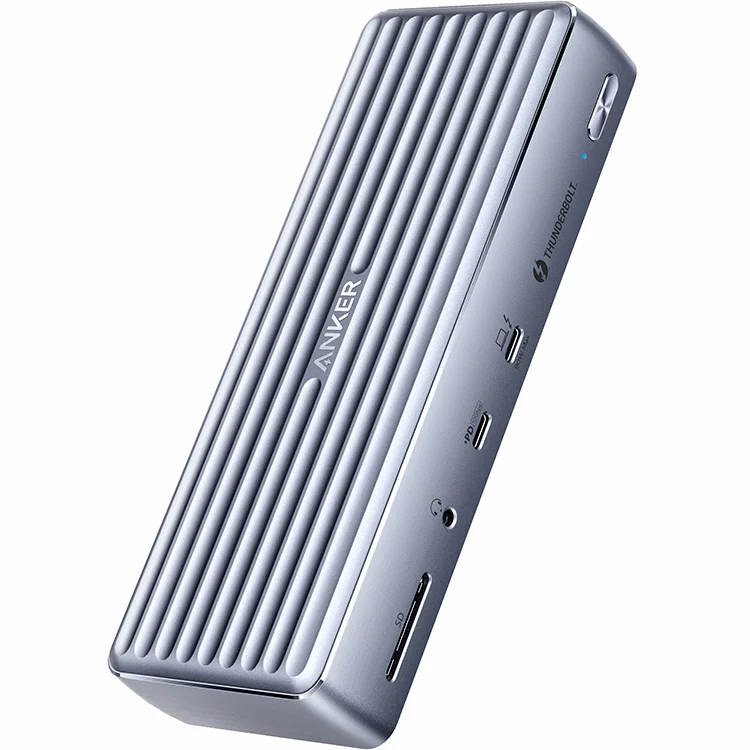
Anker 777 Thunderbolt Dock Not Working? (Fixes for Displays, Charging & Sleep Issues)
⚡ Quick Answer — Anker 777 Not Working The Anker 777 Thunderbolt 4 dock is discontinued as of 2026 — but units still circulate and the fixes below apply. Most problems trace to three causes: sleep/wake handshake failures, cable quality, and power adapter wattage. A full cold boot reset resolves the majority of cases without…
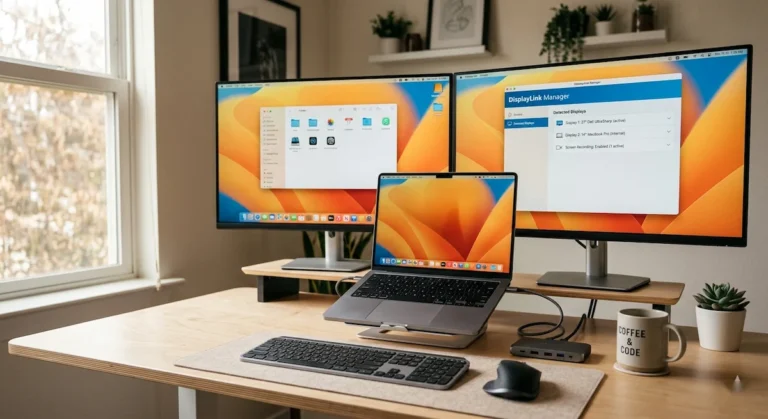
DisplayLink Manager: Setup, Drivers & Problems Explained (2026)
⚡ Quick Answer — DisplayLink Setup & Problems DisplayLink is a Synaptics chip that compresses and sends video over standard USB — not native DisplayPort or Thunderbolt. This is why it requires DisplayLink Manager: without the software running, a DisplayLink docking station produces no video output at all. The three most common failures are a…
USB-C Docking Station: Why It Fails and What Actually Works (2026)
USB-C Doesn’t Mean What You Think It Means A USB-C docking station is a protocol translator — not a magic box. It depends entirely on what your laptop’s USB-C port actually supports. USB-C is a connector shape. It tells you nothing about capability. Your laptop’s USB-C port could support video, power, and 40Gbps data — or…
How to Daisy Chain Monitors for a One-Cable Desk (2026 Guide)
⚡ Quick Answer: How to Daisy Chain Monitors What you need: A primary monitor with a DisplayPort OUT port, a docking station with MST (Multi-Stream Transport) support, and certified DisplayPort 1.2+ cables. Connection order: Dock → Monitor 1 DP IN → Monitor 1 DP OUT → Monitor 2 DP IN. Power on in sequence: dock…
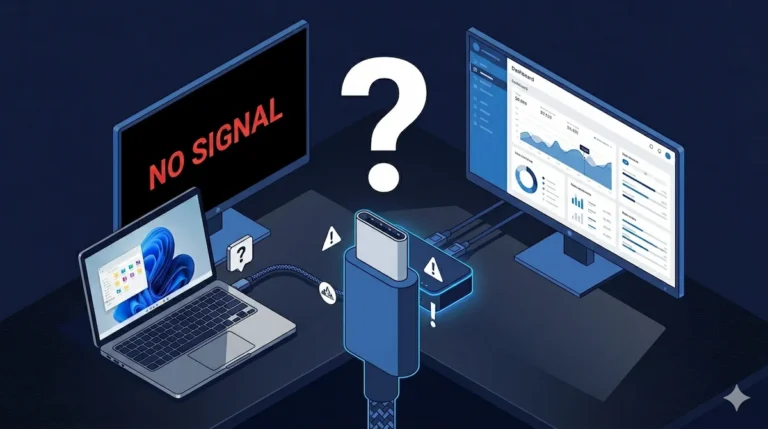
Docking Station Not Detecting Monitor? HDMI, DisplayPort & USB-C Failure Modes Explained
The Black Screen Paradox Your docking station is powered. USB works. Ethernet works. The monitor shows “No Signal.” A docking station not detecting monitor output is one of the most misdiagnosed failures in modern workstation setups — because everything else keeps working. That combination — partial function, failed video — has one explanation: DisplayPort negotiation…


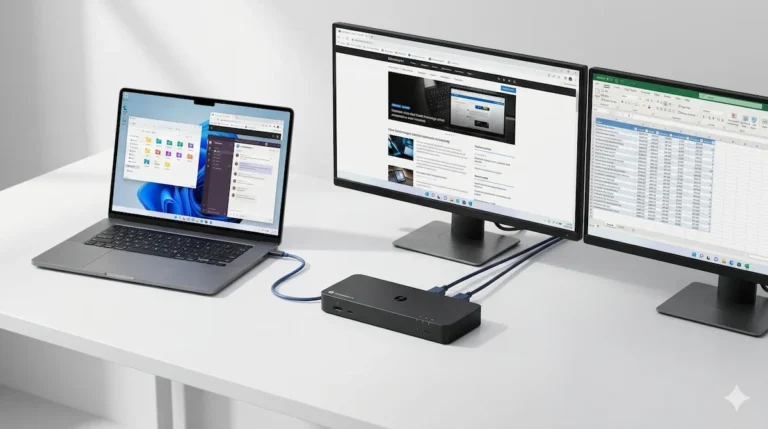
Get the Free Fix Checklist
The exact firmware + driver sequence that fixes 80% of Thunderbolt dock failures.
Send Me the Checklist →Still Stuck? Tell Us What’s Broken
Describe your issue. We’ll point you to the exact fix — or write a guide if one doesn’t exist.
Submit My Issue →Did We Help? Tell Us What Worked
Your feedback helps us improve every guide on this site.
Leave Feedback →30+ Guides Published | Thunderbolt 4 Specialists | 5 Years of Failure Data

Written & tested by
Alex Atkinson
Enterprise IT specialist. Eight years diagnosing Thunderbolt and USB-C dock failures across Dell, CalDigit, and Kensington hardware. Every fix on this site has been tested on real equipment, not spec sheets.

Daisy Chain Specialist
Hans Pedersen
Daisy chaining displays looks simple until it isn’t. Hans has spent years on that gap — Thunderbolt chains, MST hubs, Mac display limits, firmware conflicts. He’s broken all of it intentionally, just to see what gives first. Based in Copenhagen.