Skip to content
This site contains affiliate links. Recommendations are based on hardware stability and firmware reliability — not commissions. Your purchases support our research. Full disclosure.
ByrdPilot
  • Home
  • Docking Station
    • Thunderbolt 5
    • Thunderbolt 4
    • USB-C / USB4
    • Troubleshooting
  • Daisy Chaining
  • NAS Storage & Servers
  • KVM Switches
  • Dock Scan
  • Compare Docks
Compare Docks
  1. Home
  2. Docking Station
  3. Troubleshooting

Category

Troubleshooting

Docking station troubleshooting guides: fix random disconnects, flickering monitors, Ethernet drops and overheating, with step-by-step fixes.

  • All Docking Station
  • Thunderbolt 5
  • Thunderbolt 4
  • USB-C / USB4
  • Troubleshooting
  • Docking Station

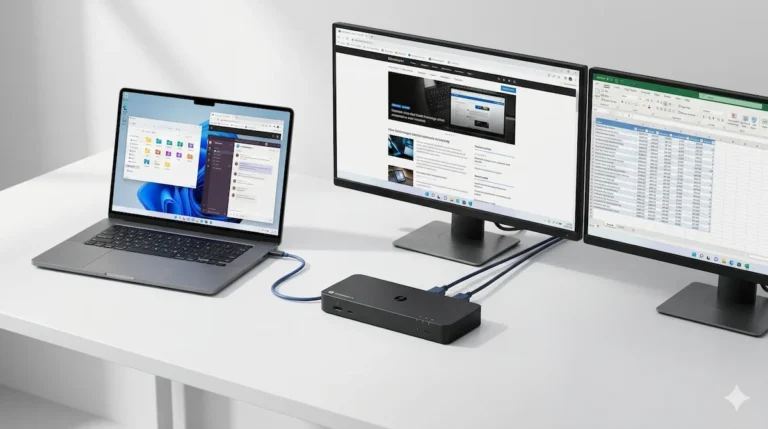
    Thunderbolt Docking Station Explained (2026): More Reliable. Not Bulletproof.

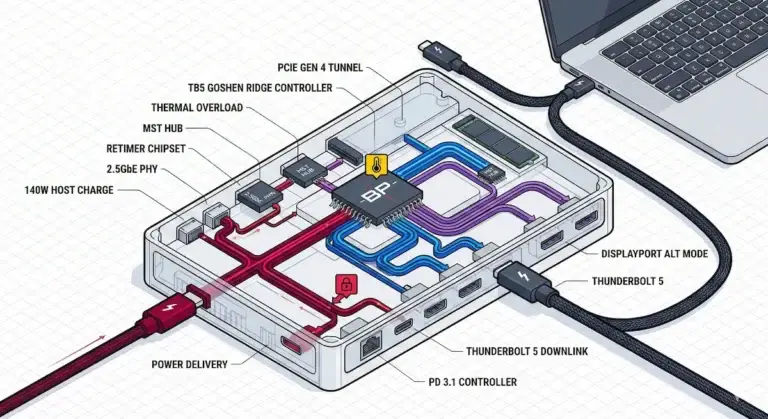
    ⚡ Thunderbolt docking station — quick answer What it delivers: Enforced 40Gbps, dual 4K@60Hz, 100W charging, reliable wake‑from‑sleep. Why it’s better: Thunderbolt… Alex Atkinson · April 28, 2026 Read more
  • Docking Station

    Docking Station Failure Rates by Brand (2026): Which Docks Fail Most?

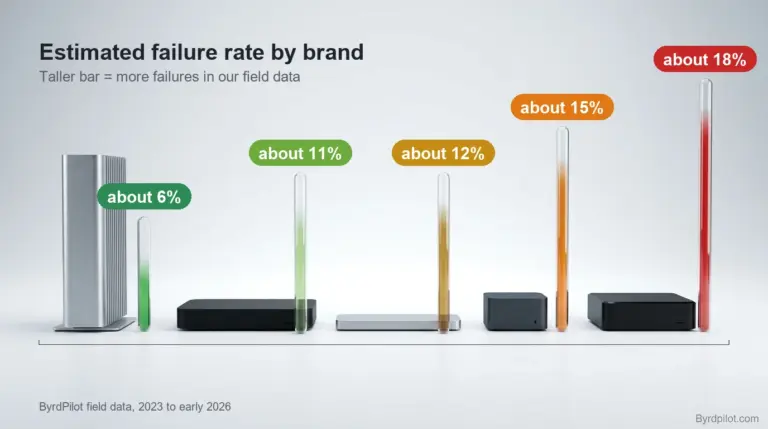
    Quick Answer Estimated failure rate by brand, from our field data (about 5,000 deployments): CalDigit: about 6%, the lowest in our data… Alex Atkinson · April 8, 2026 Read more
  • Docking Station

    Best USB-C Docking Station (2026): What Works, What Doesn’t, and Why

    ⚡ Quick Answer: Best USB-C Docking Station in 2026 The best USB-C docking station for most setups is the Anker 555 —… Alex Atkinson · April 1, 2026 Read more
  • Docking Station

    Dell Docking Station Not Working? Display, Charging & Connection Fixes (2026)

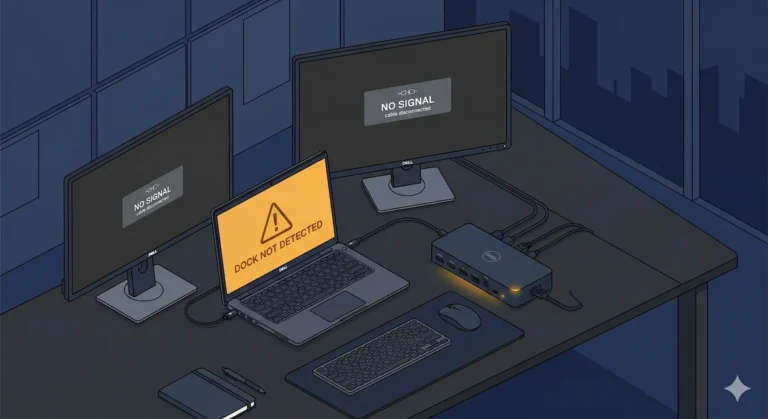
    ? Quick Answer – Why Your Dell Docking Station Stopped Working A Dell docking station fails when firmware, BIOS, and Thunderbolt drivers… Alex Atkinson · March 21, 2026 Read more
  • Docking Station

    What Is a Laptop Docking Station? How It Works & Why It Fails

    BLUF (Bottom Line Up Front) — Why Does My Laptop Docking Station Keep Failing? ⚡ Quick Answer A laptop docking station is… Alex Atkinson · March 4, 2026 Read more
  • Docking Station

    Docking Station Keeps Disconnecting: Real Failure Causes, Protocol Breakdowns & Fixes (2026)

    Docking Station Keeps Disconnecting A docking station that keeps disconnecting and reconnecting has hit one of four limits and reset the connection:… Alex Atkinson · January 26, 2026 Read more
  • Docking Station

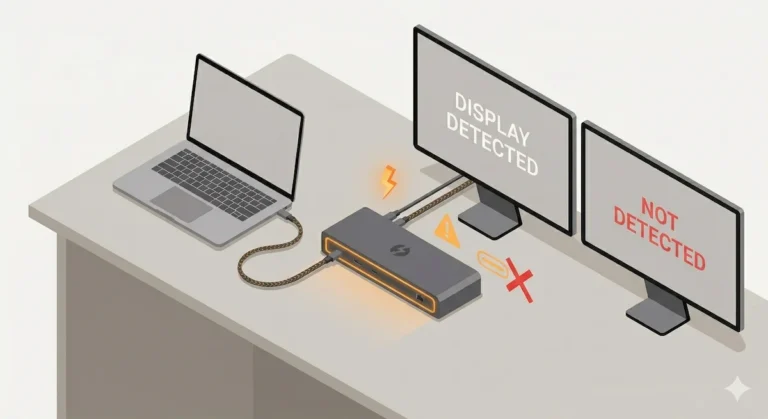
    Docking Station Not Detecting Monitor? 5 Causes, 5 Fixes

    Quick Answer Docking station not detecting your monitor? Match your symptom, then try the fix: “No Signal,” but USB and Ethernet work:… Alex Atkinson · January 21, 2026 Read more
  • Docking Station

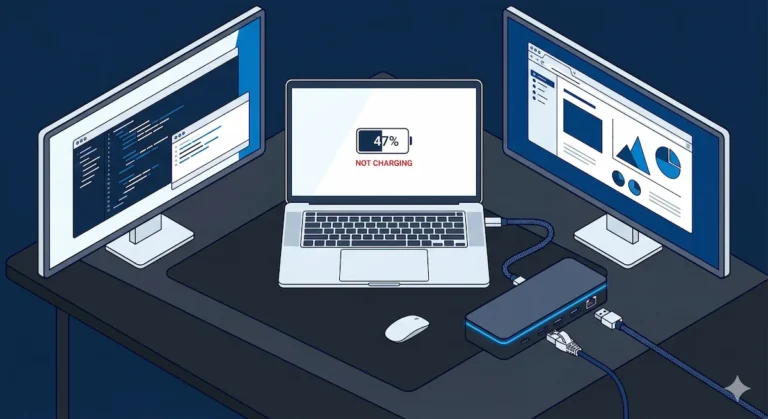
    Docking Station Not Charging Laptop? Root Causes, Power Limits, and Fixes That Actually Work

    Docking Station Not Charging Laptop — Why It Happens and How to Fix It Your docking station is lit up, your monitors… Alex Atkinson · January 20, 2026 Read more
  • Docking Station

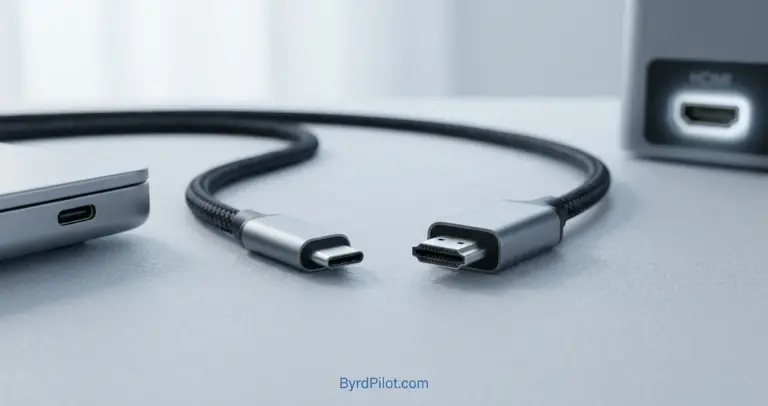
    Thunderbolt to HDMI: What Works, What Doesn’t, and Fixes

    Thunderbolt to HDMI Verdict Thunderbolt to HDMI works through a converter, and the converter sets your limits. Pick by the screen you… Hans Pedersen · January 18, 2026 Read more

Page navigation

Previous PagePrevious 1 2 3 Next PageNext
ByrdPilot

Docking Station & NAS Troubleshooting Guides

Guides

  • Docking Station
  • USB-C / USB4
  • Daisy Chaining
  • KVM Switches
  • NAS Storage & Servers

Tools

  • Dock Scan
  • Dock Finder
  • Compare Docks
  • Search

ByrdPilot

  • About Us
  • Privacy Policy
  • Cookie Policy
  • Disclosure & Affiliate Disclaimer
  • Contact Us

© 2026 ByrdPilot. All rights reserved.

As an Amazon Associate, ByrdPilot earns from qualifying purchases.

Not sure which dock to buy?

Answer 5 quick questions. Get a real recommendation.

✓
20+ docks tested & compared
✓
Mac, Dell & Windows paths
✓
No fluff — honest picks only
Find My Dock →
Takes about 60 seconds
Form C

Form B

Form A